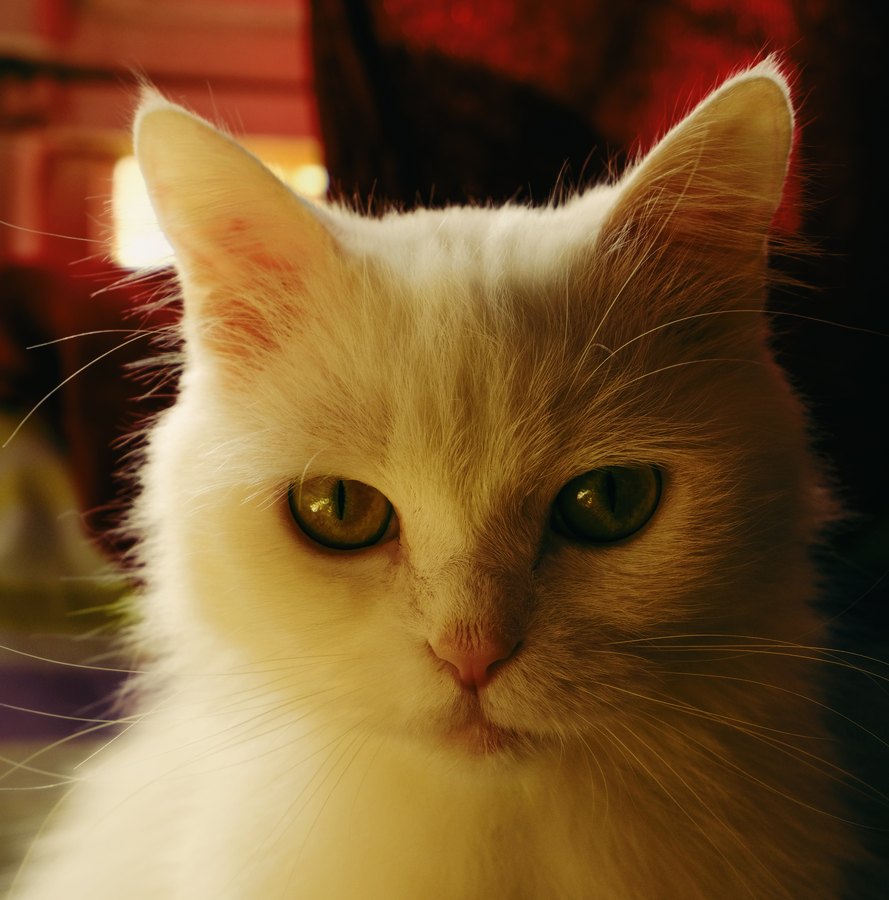
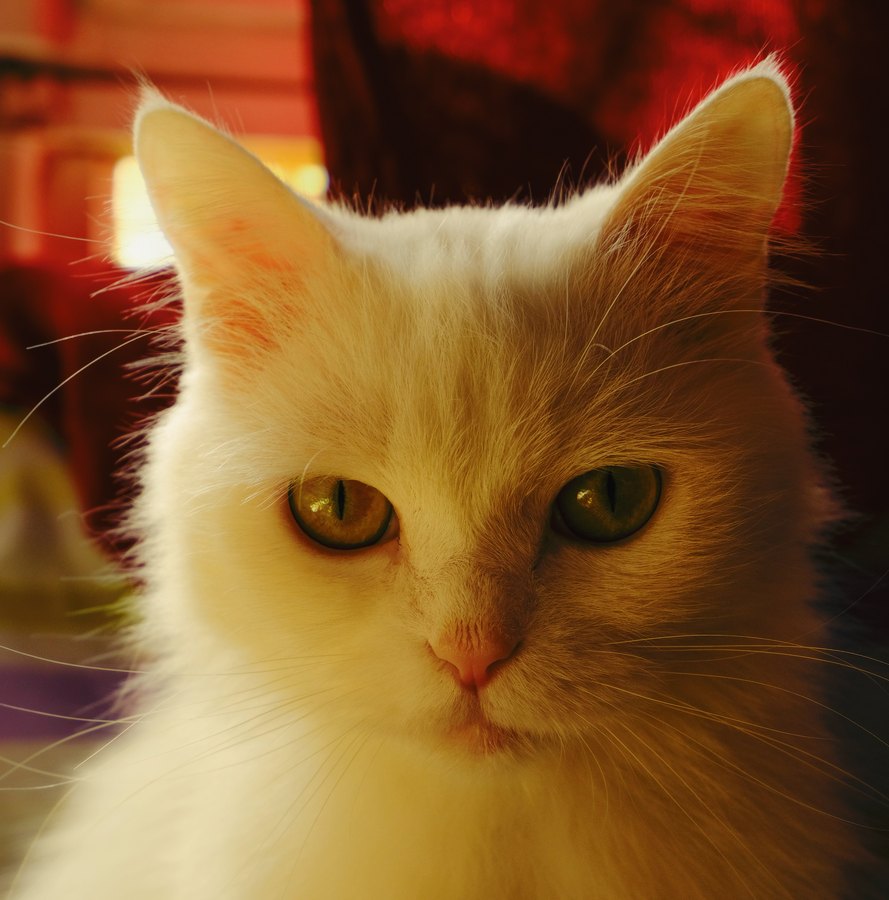
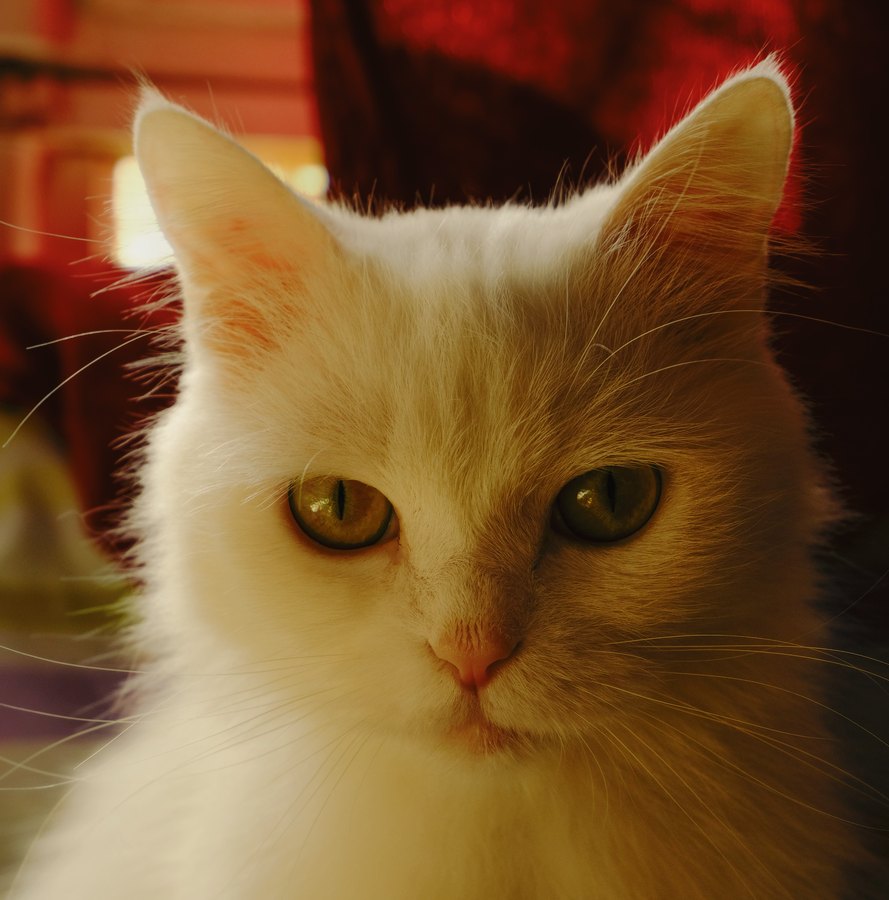
colour negative · Fujifilm · ISO 800
Fuji Superia X-Tra 800
The surviving fast Superia, built around Fuji's fourth-layer technology.
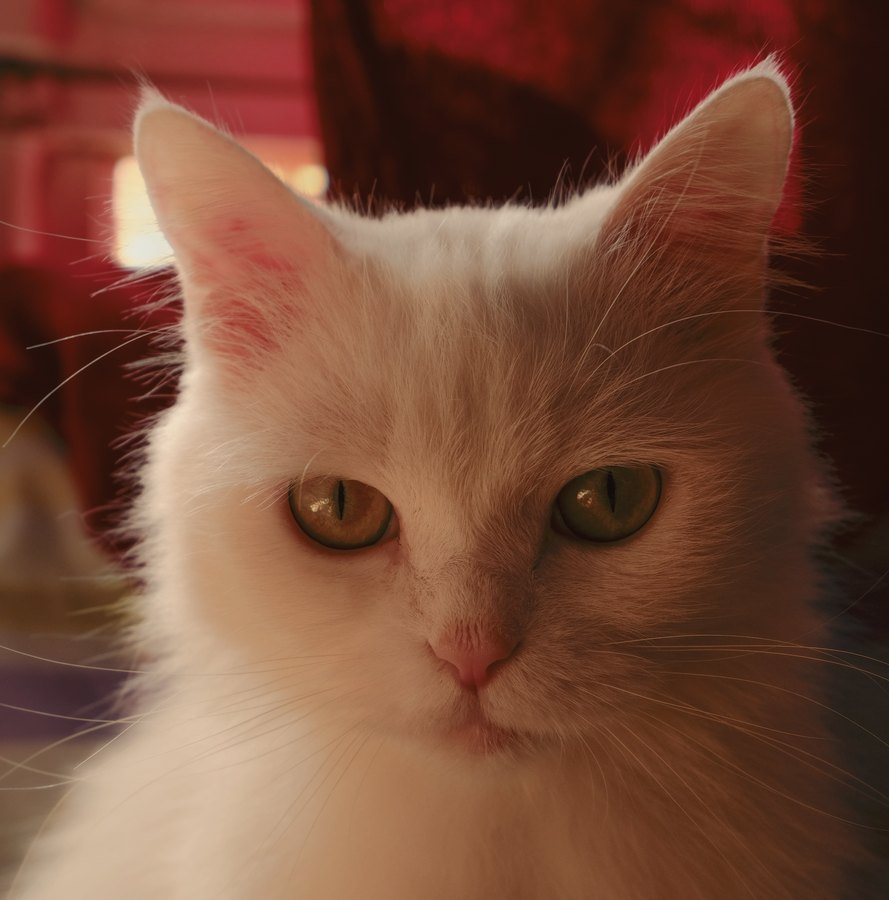
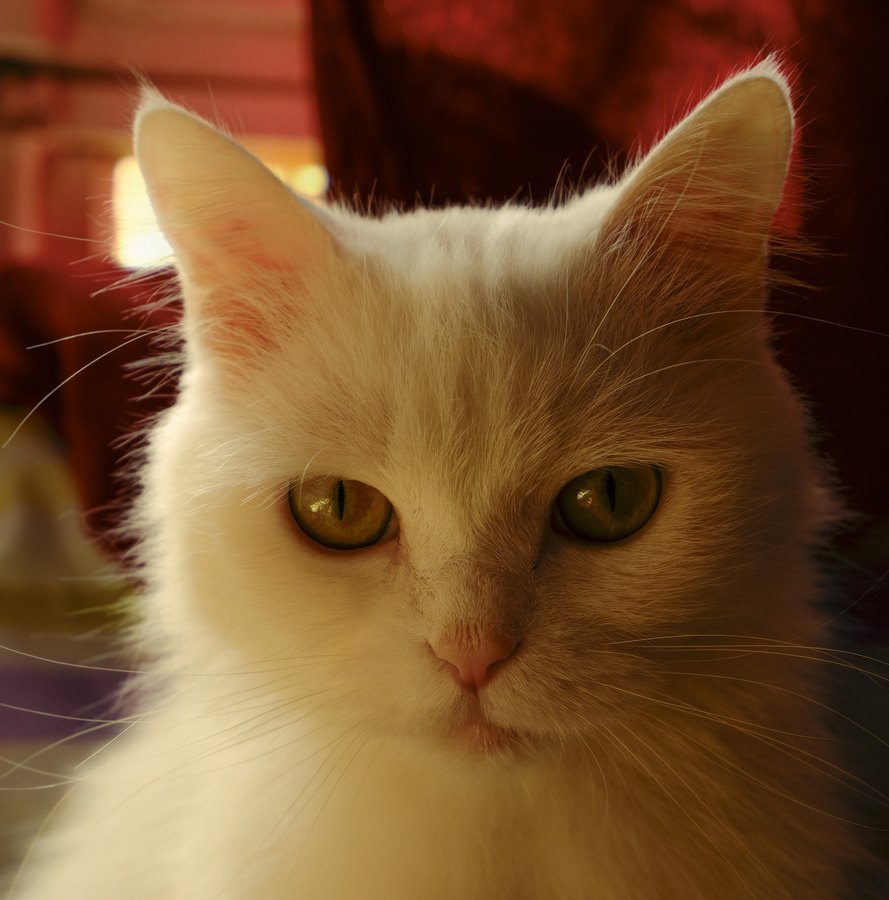 Original
Fuji Superia X-Tra 800
Original
Fuji Superia X-Tra 800
Drag to compare. One rendering of Fuji Superia X-Tra 800 is included.
Try it on your own photo → Download .cube
What this look does
Cleaner than plain Superia 800 with better colour under mixed light, keeping cool shadows and the green-cyan lean.
indoormixed lighteventshandheld low light
About Fuji Superia X-Tra 800
Still in production long after most of its siblings were cut, and the practical choice when people want fast colour film today.
Included renderings
In Filmgrid each rendering carries its own name. The exposure and temperature labels describe how it differs from the base look.
| Filmgrid name | Rendering | LUT |
|---|---|---|
| Rosy Bakery | base | .cube |
How to use this LUT
The download is a standard .cube 3D LUT, so it loads in almost anything: Lightroom Classic (Profile → Browse), Photoshop (Color Lookup adjustment layer), Premiere Pro (Lumetri → Creative), DaVinci Resolve (LUTs panel), Final Cut Pro (Custom LUT effect), Affinity Photo, Capture One and OBS. See the step-by-step guide if you have not loaded one before.
Photographers who work in Lightroom often call these presets. Strictly they are profiles rather than presets, and the difference matters when you want to edit the look further — that distinction is explained here.
If you only want the finished picture, skip the download: open the tool, drop a photo in and export at full resolution. Nothing leaves your device.
Questions
- Is Fuji Superia X-Tra 800 still made?
- Yes, Fuji Superia X-Tra 800 is still in production. This page emulates its look digitally so you can preview it before shooting a roll, or apply it to photos taken on something else.
- Can I use Fuji Superia X-Tra 800 as a Lightroom preset?
- Effectively, yes. The download is a
.cubeLUT, and Lightroom imports those as profiles — Develop → Profile Browser → Import Profiles. A profile behaves like a preset and adds an Amount slider for strength. See LUTs versus presets for what differs. - Is the Fuji Superia X-Tra 800 LUT free?
- Yes. Every rendering downloads as a
.cubefile with no account, no email and no watermark, and the browser tool exports at full resolution for free as well.